
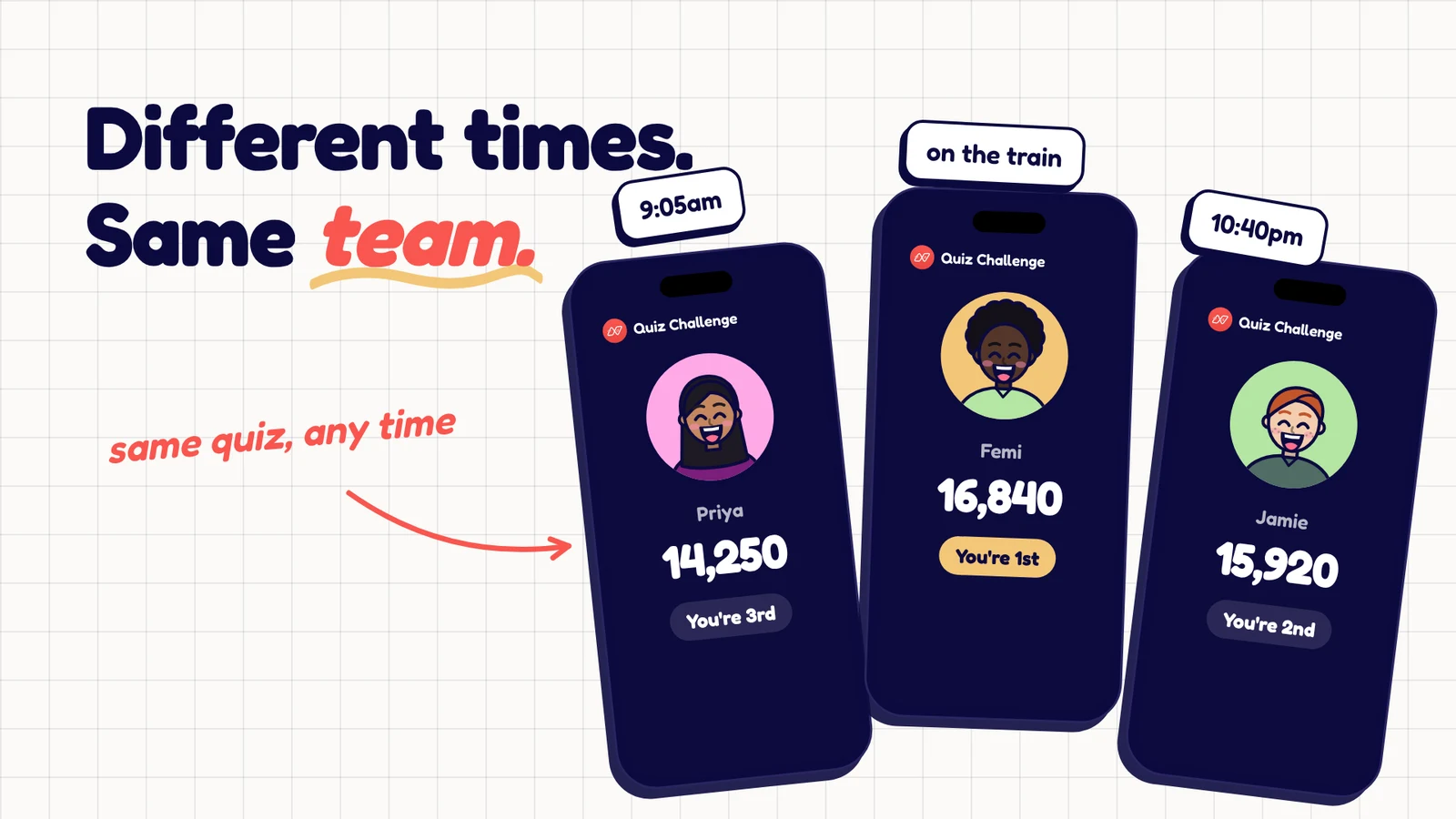
London has finished lunch. New York is opening its laptops. Someone in Singapore has already signed off. Finding a time for everyone to play a game can take more organising than the game itself.
Asynchronous team building games let people participate within a shared window instead of joining at the same moment. A colleague can play between tasks, another can join the next morning, and the team can compare answers or results afterwards.
That last part matters. A link that arrives on Monday and is never mentioned again feels like another task. A short recap, a surprising answer or a friendly discussion gives the activity a social finish.
What makes a good async team game?
Choose something that makes sense without a live explanation. People should be able to read one message, understand what to do, and finish without waiting for another player.
Start with three constraints:
- Keep the first attempt short. Aim for a few minutes, then adjust after seeing how the team responds.
- Make the deadline unambiguous. Include the date and time zone, or use a link that shows a local closing time.
- Keep participation optional. Do not turn a social activity into a public list of people who failed to join.
Pick a window that includes normal working hours for every location. A challenge open for only one office's afternoon is technically asynchronous but still excludes colleagues elsewhere.
1. A five-question weekly trivia challenge
Write five questions around a broad theme: food, inventions, geography or a mix of everyday knowledge. Keep the first week approachable. An obscure specialist round tells most of the team that the game belongs to someone else.
Post one link and a clear deadline. After closing, share a short recap with one answer people found surprising. Rotate who suggests the next theme.
Weekly trivia is an established async format. Water Cooler Trivia describes scheduled quizzes with a response window and a results recap. You can borrow that rhythm for your own team without needing to organise a live quiz night.
2. A word-puzzle mini league
Use a few short word puzzles rather than a long quiz. For example, ask people to unscramble a word or identify the item that does not belong in a group.
Agree how spelling variants and alternative answers will be handled before publishing. If “tomato” is the odd one out, your explanation needs to make the intended grouping clear. Ambiguity can become a good conversation, but it is frustrating when it silently costs someone points.
For a friendly league, announce each week's winner without maintaining a permanent public table of everyone else's scores. Let each new round feel like a fresh chance.
3. A photo-detail guessing game
Ask volunteers for a close-up photo of an everyday object: a mug handle, a plant leaf or a bicycle bell. Collect a handful and ask colleagues to guess what each one shows.
Use objects people have chosen to share. Avoid asking for photos that reveal home addresses, family members or other personal details. Make a text description available if a photo is hard to interpret or someone cannot access the image.
Reveal the full photos at the end of the window. The explanation is often the best part: “That mysterious green thing was the office watering can.”
4. A soundtrack guessing round
Choose a theme such as “songs with a place in the title.” Ask colleagues to submit a title that fits, then share the list and invite guesses about who chose what.
Use song titles and optional links to licensed listening services. People should not need a paid music account or audio playback to participate. This can be a written guessing game rather than a listening test.
Make the theme broad enough that it is not a contest in one country's chart history. An international team can build a more interesting list when different references are welcome.
5. The harmless hot-take bracket
Post a small set of low-stakes choices: tea or coffee, window seat or aisle, mountains or coast. Let people respond during the window, then share which choices won.
The aim is an easy conversation, so keep the questions away from sensitive personal topics. Add an optional explanation field for anyone who wants to defend their excellent opinion about breakfast.
This activity suits a team chat thread or a basic form. It does not need a competitive score to work.
6. A caption challenge
Share an image you own or have permission to use and invite a short caption. Give a word limit so the activity stays quick, and ask volunteers to react to the entries after submissions close.
Do not use a colleague's photo as the joke unless they have explicitly agreed. A picture of an abandoned office sandwich or a toy dinosaur is a safer starting point than someone caught mid-presentation.
Celebrate different kinds of answers: funniest, most unexpected or best use of five words. You do not need to rank every contribution.
7. A shared-theme knowledge swap
Invite each person to submit one multiple-choice question about a topic they enjoy, with the correct answer and a short explanation. Select a balanced set for the team to play later.
Review the questions before sharing them. Remove clues that accidentally reveal the answer, check facts, and avoid a set where half the questions belong to one specialist interest.
The reveal can name the contributor, with their agreement: “This was Maya's question about volcanoes.” That gives colleagues a reason to start a conversation beyond the score.
A simple weekly rhythm
| When | What to do |
|---|---|
| Before launch | Test the activity with someone who did not write it. |
| Monday | Share the instructions, estimated time and closing date. |
| Midweek | Send one useful reminder, if your team wants reminders. |
| Friday | Close entries and share a brief recap. |
| Next week | Change the theme using the team's suggestions. |
Treat those days as an example, not a rule. The useful pattern is launch, participation window and a social finish.
Using Neegma for a self-paced team quiz
Neegma Challenges are in testing with our team and opening to hosts soon. They are designed for people to play within an opening and closing window. The supported game types are Trivia, Missing Letter, Odd One Out and Unscramble.
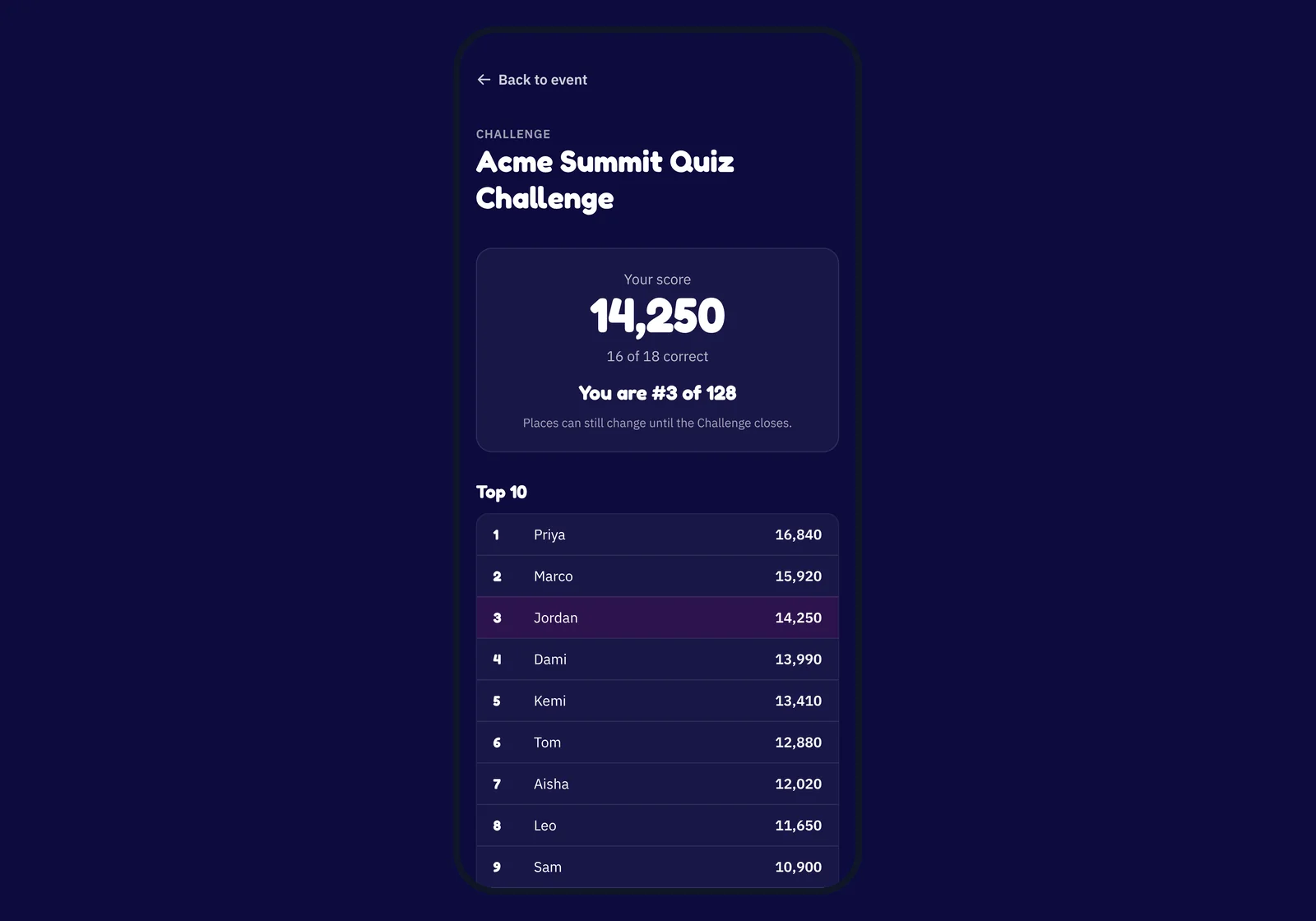
Hosts choose the quizzes, set the participation window and select speed or accuracy scoring. Questions are locked when the Challenge is published, so later edits to the source set do not change that published Challenge.
For a relaxed first activity, accuracy scoring is a reasonable starting point. Check the question and attempt time limits too: playing asynchronously means choosing when to start, rather than having unlimited time on every question.
Share the participant link in the channel your team already uses. Posting a link in Slack or Teams does not require a native integration. Explain the deadline in the message and test the link on a second device before sending it to everyone.
When a live game is a better fit
Choose async play when timing is the main obstacle. Choose a live team game when you want people reacting, discussing and laughing at the same moment.
Charades and live social deduction depend on shared timing and interaction. Do not force them into an async quiz format. If your team can meet, our virtual game night guide covers that different kind of session. If you're deciding between booking a hosted experience and running virtual team building games yourself, see Neegma vs Confetti.
For the first async experiment, choose one idea and one participation window. After the recap, ask a simple question: “Would you play another one?” That answer tells you more about the format than a complicated engagement dashboard.
Create a self-paced Challenge in Neegma, then give your team a clear invitation and room to join in their own time.