
The scariest moment for a new host isn't the game. It's the thirty seconds before it, standing in front of a room that's half listening, trying to explain the rules of something you only read about this afternoon.
So we made that part easier. Every Neegma game now has a 30-second how-to film. Press play before your first round, put it on the big screen, and the whole room learns the game together. You don't have to say a word.
What's in a how-to film?
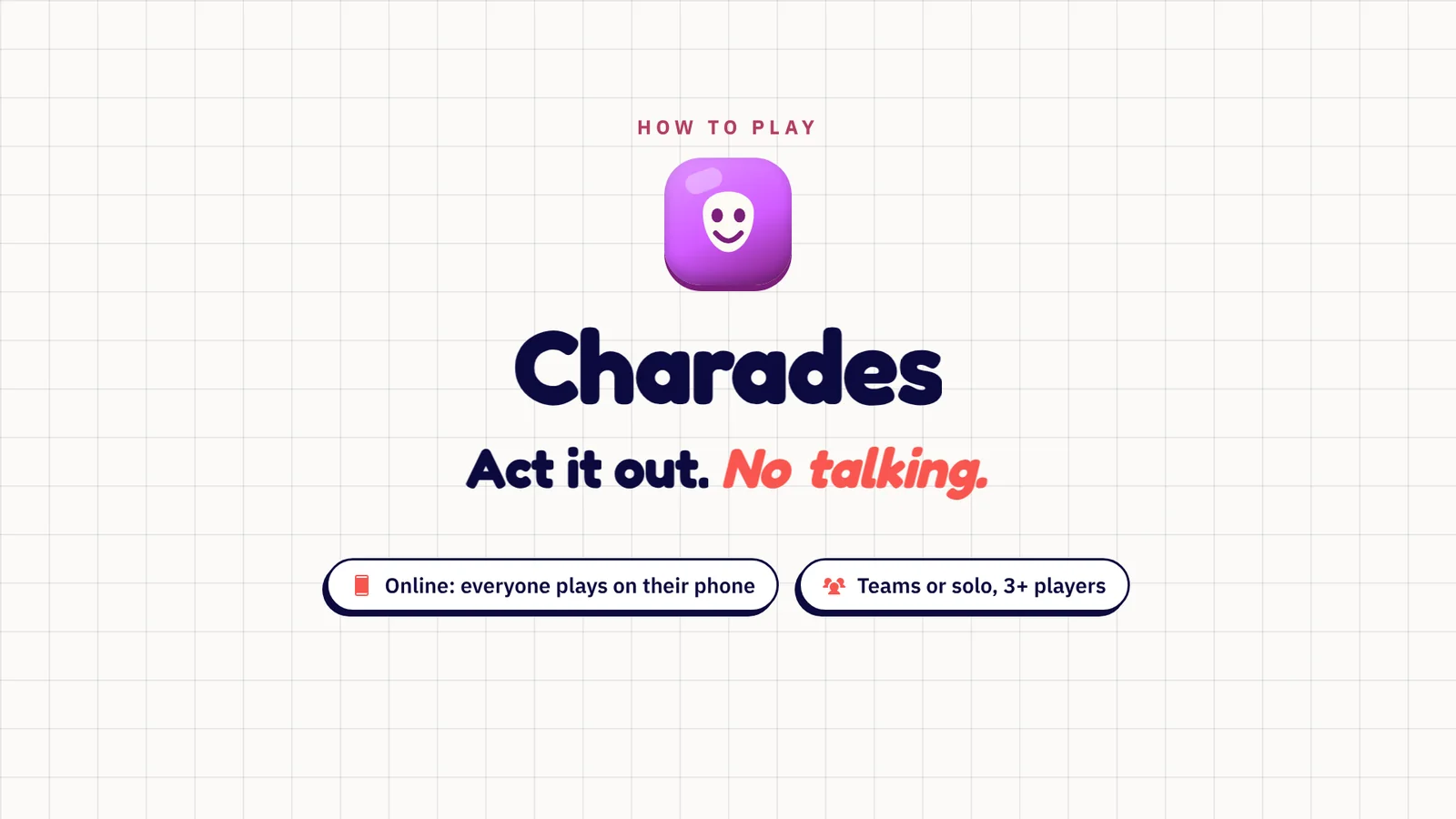
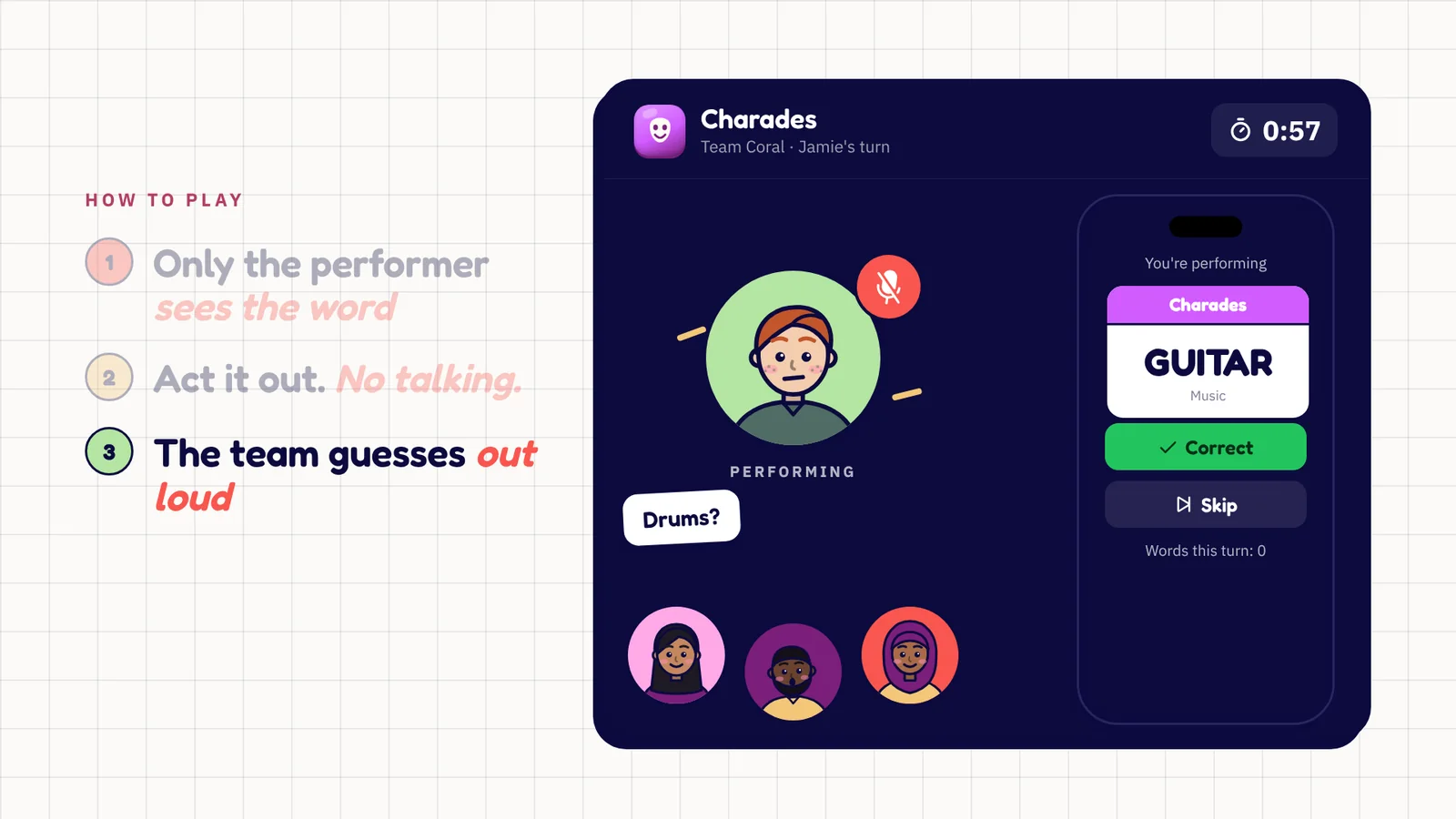
Each film is 30 seconds long and covers the same three things, in the same order:
- How to play: what happens on a turn, who sees what, and what everyone does
- How to win: how points are scored and what decides the winner
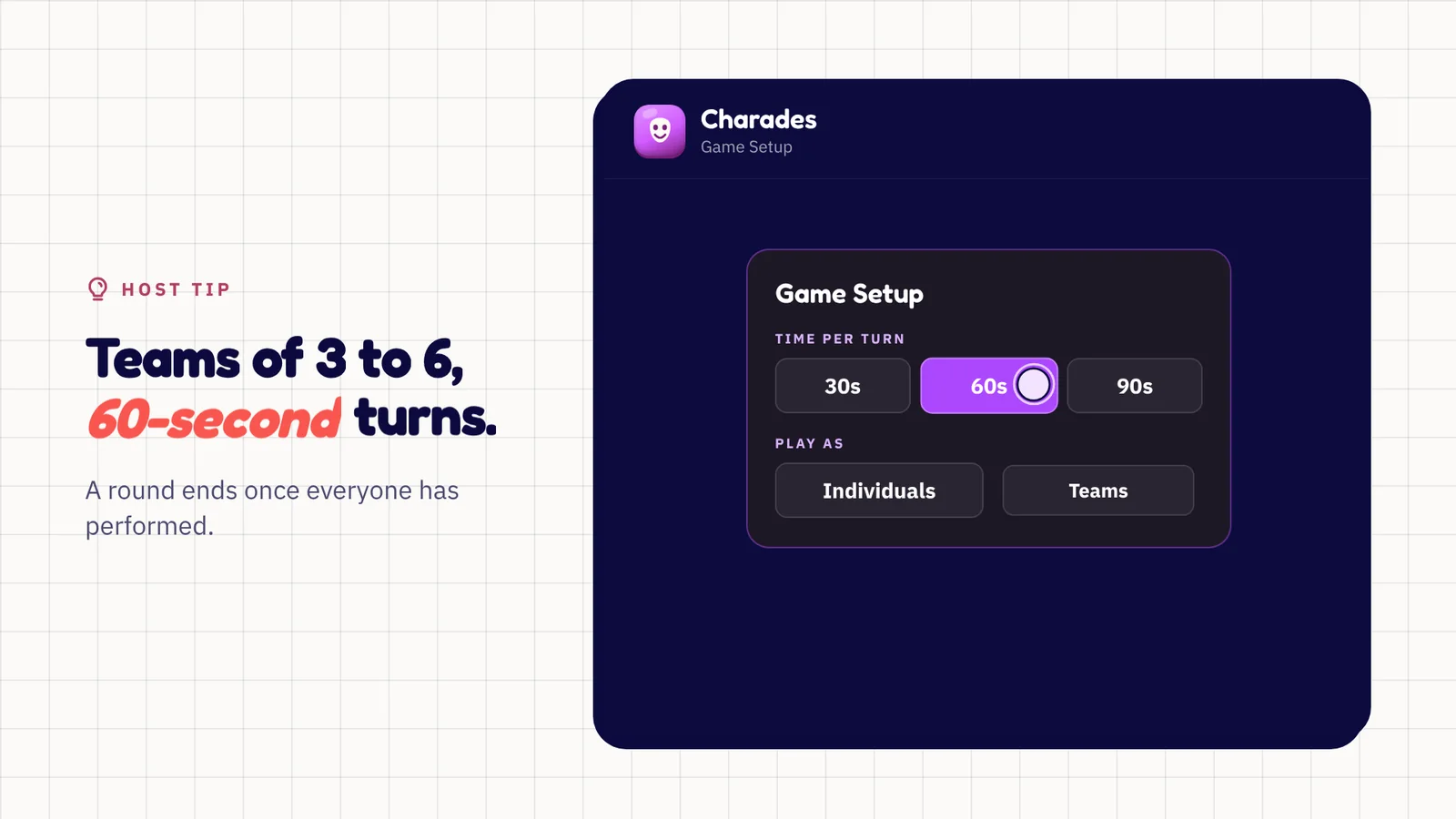
- One host tip: a setting or a habit that makes the game work better in a real room
Every film ends the same way: "Ready? Hit Start." By then, the room knows exactly what's about to happen.
Live and one-host versions
Some games play two ways: with everyone on their own phone in a live session, or from a single screen in a one-host session. The rules feel different in each, so those games have two films.
Every game has a live film. Charades, Taboo, Trivia, Telepathy, Unscramble, Missing Letter, Odd One Out, Song Association, Word Art, Who Said It and Concentration have a one-host film too. Neegma always plays the one that matches your session.
Where to find the films
How to play, right beside Start
When you open a game, a gold How to play button sits next to Start. Tap it and the film plays large in the middle of your screen, with sound. If your screen is on a TV or a projector, the whole room watches it with you.
The button only shows before you start the game, so it's there when you need it and gone once you're playing.
Tutorial, in the top bar, any time
Need a refresher halfway through? Tutorial in the top bar opens the film above the written rules. It's there for your players too, so anyone who joins late can catch up on their own phone without stopping the game.
Before you host, on every game page
Want to know what a game is like before you pick it? Every game page on our site has its film in the How to play section. Visit Charades, Telepathy or any game in the library, press play, and you'll know in half a minute whether it suits your crowd. Games that play both ways have a Live and One host switch above the film.
A nudge for first-time hosts
If you're hosting without an account, you'll also see a slim strip under the game's title, such as New to Charades? Watch how to play in 30 seconds. Watch it, start the game or dismiss it, and it won't come back.
How hosts use them
- Play it for the room, not just for you. The film is short enough that nobody gets bored, and everyone hears the rules at the same time. No more "wait, what do we do?" on round one.
- Use it for the game you're least sure of. You might know Charades by heart. Find the Mole or Telepathy? Let the film do the explaining.
- Watch the host tip. It's the one thing we'd tell you if we were standing next to you, like the right team size for Charades or how long to give each turn.
- Let the music carry on. If your session's background music is playing, the film pauses it and picks it back up when it ends.
Nothing plays on its own. A film only starts when someone presses play, so you stay in control of the room.
Frequently asked questions
How long is each film?
About 30 seconds. Long enough to explain the game, short enough to keep the energy up.
Do the films cost extra?
No. They're on every plan, including Free.
Can my players watch them too?
Yes. Players can open Tutorial from the top bar on their own phones at any time.
Do I have to watch it before every game?
No. It's always optional. The button sits beside Start for anyone who wants it, and the game starts the moment you press Start.
Host your next game with confidence
Pick a game you've never hosted, press How to play, and let the film handle the rules.