
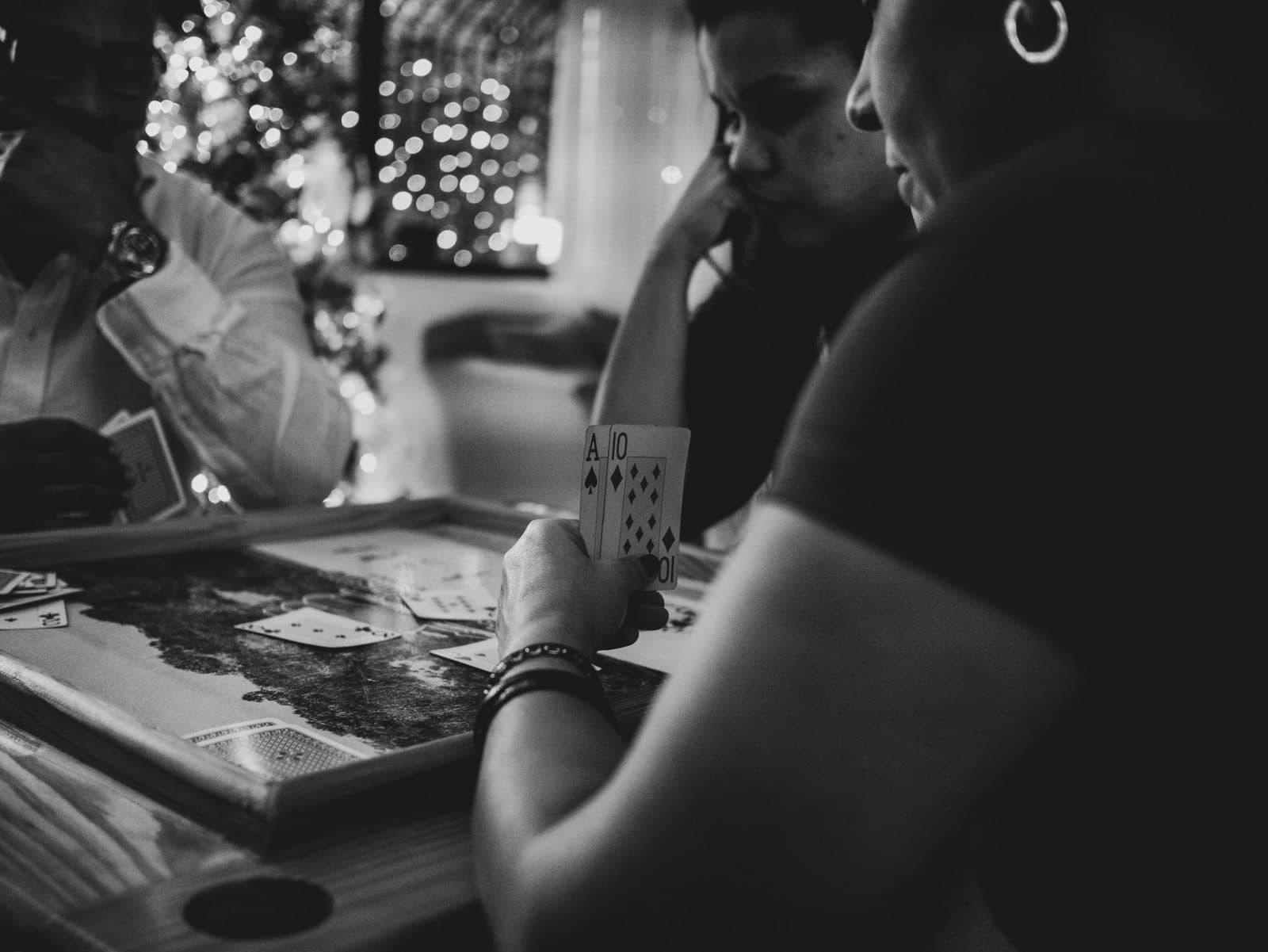
The best party games without phones have one thing in common: everyone is looking at the same thing. Nobody is half in the game and half in a group chat. Nobody's battery is on 3%. Grandad doesn't need to scan anything, and the kids don't need a device of their own.
The catch has always been the admin. Someone has to read the cards, watch the timer, keep score on the back of an envelope, and settle the argument about whether that counted. That person rarely gets to enjoy the game.
This guide covers how to run phone-free party games from a single screen, with the timer, the questions and the scores handled for you. It's how One-host sessions on Neegma work, and they're open to every host.
When phone-free is the better choice
Some rooms are simply better without phones.
- Family game nights, where not everyone has a smartphone, or you'd rather they put it down.
- Classrooms, where student devices aren't allowed or aren't available.
- Kids' parties, where the players are too young for phones of their own.
- Pubs and venues with patchy signal, where asking 30 people to connect is a gamble.
- Stage shows and live events, where a few contestants come up front and the audience watches.
- Dinner parties, where the whole point is being present with each other.
How a one-screen game show works
In a One-host session, only the host's device is connected. Nobody else joins anything.
- Create a session and choose One host. It's the "How are you hosting?" step. You can start now or schedule it for later.
- Set your headcount. There are no names to collect. Choose Individual for up to 10 players, or split the room into 2 to 5 teams of any size.
- Decide on scores. Leave Track scores on for a leaderboard, or turn it off for a relaxed round with nothing riding on it.
- Pick a game and play. The prompt appears on your screen, the room plays out loud, and you tap what happened. Neegma keeps the time and the score.
Every game's setup can change the headcount, so a team round can follow a solo one in the same session.
Three ways the turns play out
Eleven games work in One-host sessions, and they fall into three shapes.
Act it, describe it, sing it
Charades, Taboo, Song Association and Word Art are turn-based. Whoever's up sees the prompt on your screen, and you tap what happened: Correct or Skip in Charades and Taboo, Got It or Missed in Song Association and Word Art. In Charades and Taboo the word stays hidden until you tap Reveal, so you can hand the phone or tablet to the performer first and nobody else sees it.
In Song Association and Word Art, a miss can open a Bonus Round: you can offer the next team five seconds to steal the prompt for 500 points. It's a setting, so you can switch it off for a straight turn-by-turn game.
Hot Seat
Odd One Out, Missing Letter and Unscramble play Hot Seat in a One-host session. Each question goes to one player or team in turn, and everyone else watches.
- You tap Start and the clock runs.
- The player in the hot seat answers out loud, or you tap End Turn when they've answered.
- The answer is revealed, and you tap Got It or Missed.
- A right answer scores 1000 points. With Track scores on, the leaderboard shows between rounds.
- Stuck? Tap Hint to show a clue on screen.
Why take turns rather than let everyone shout? Because shouting rewards the loudest person in the room, and a host can't fairly judge who got there first. Hot Seat gives every player or team their own question and their own moment, which is fairer for mixed ages and much more dramatic on a big screen.
One prompt, passed around
Telepathy, Concentration and Who Said It put one prompt to the whole room. With no phones out, players type their answers in turn on the host's device, then the answers are revealed together on screen. In Telepathy, matching the crowd scores. In Concentration, the rarest answer scores. In Who Said It, the room guesses who wrote what.
Just the questions: Loop
Sometimes you don't want players, turns or scores at all. You just want the questions on a screen.
- Trivia in a One-host session cycles through your own question set until you end it. Read it aloud at a pub quiz, put it on the board in a lesson, or run a quick quiz round between other games.
- Missing Letter, Odd One Out and Unscramble can do the same with your own set. Turn on Skip adding players in the game's setup and the questions run on a loop with no scores to keep.
There's a checkpoint after each round, so you can carry on or finish whenever the room is ready.
Which game for which room
| Room | Try this | Why it works |
|---|---|---|
| Family game night | Charades, then Unscramble in Hot Seat | Every age gets a turn, nobody needs a device |
| Classroom | Missing Letter in teams, Trivia on a Loop | Revision on the board, teams take turns |
| Kids' party | Charades and Song Association | Loud, physical, no reading required |
| Pub quiz | Trivia on a Loop, Concentration in teams | Questions on the TV, a fresh interval round |
| Stage show at an event | Odd One Out in Hot Seat with contestants | One team in the spotlight, the room watching |
| Dinner party | Telepathy, then Who Said It | Conversation first, the device goes round |
Setting up the room
- For quiz-style games, use the biggest screen you have. Hot Seat and Loop are made for a TV or projector the whole room can see.
- For Charades and Taboo, use something you can hand over. A phone or tablet works best, so the performer sees the word and the guessers don't.
- Build your own questions. Inside jokes, a class topic or a family history round turn a good game into your game. Write them in the Playground or let AI draft a set.
- Use a template. Templates work in One-host sessions too. Any game in one that needs player phones shows as unavailable, so you can see what the template intended.
- Schedule it if it's an event. A scheduled One-host session still gives you a printable poster. It just has no QR code, because nobody needs to join.
When to switch to live play instead
One-host sessions are built for one room around one screen. Switch to a Live session, where everyone plays from their own phone, if:
- you have more than 10 individual players who each want their own score,
- some players are joining remotely on a video call,
- or you want games that need private answers on every phone, like Find the Mole, Bingo or Two Truths and a Lie.
Plenty of hosts use both: One-host for the family Christmas, Live for the office party.
Frequently asked questions
What are good party games without phones?
Charades, Taboo, Song Association and Word Art are the classics. Add quiz-style rounds like Odd One Out, Missing Letter and Unscramble played in Hot Seat, where each player or team takes a question in turn.
Can you play a quiz without everyone having a phone?
Yes. Run Trivia in a One-host session and your question set cycles on screen for you to read aloud, or play Missing Letter and Odd One Out in Hot Seat with the host marking each answer.
What is Hot Seat in a party game?
Hot Seat means one player or team answers each question while everyone else watches. On Neegma, the host taps Got It or Missed, and a right answer scores 1000 points.
How many people can play from one screen?
Up to 10 individual players, or 2 to 5 teams of any size, so a big room can play as teams.
Do I need Wi-Fi in the room?
Only the host's device needs a connection. Nobody else joins anything.
Is it free?
One-host sessions are open to every host. The Free plan includes 5 sessions a month, each up to 90 minutes.
Start a one-host session · See how live sessions compare · Explore the full game library