
The speaker finishes. Someone asks whether there are any questions. A hand goes up near the front, followed by a long comment that is not quite a question. By the time the microphone reaches the back, there are two minutes left.
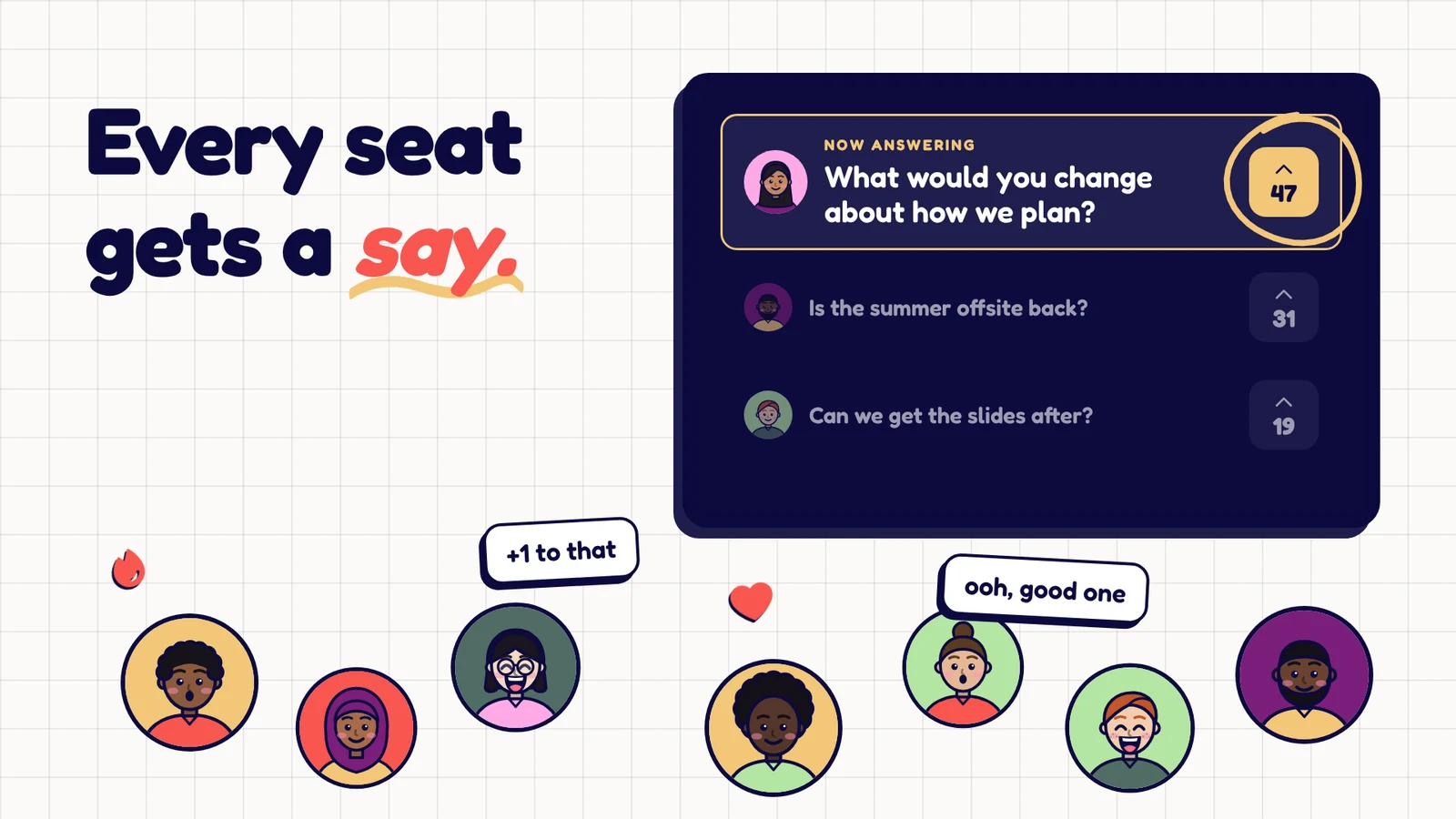
Live Q&A for events gives people another route into that conversation. Attendees submit questions from their devices, see what others have asked, and upvote the questions they want answered. A moderator turns that shared queue into a discussion the room can follow.
It works for a conference panel, a workshop, a community meetup or a team town hall. The software collects questions. The host still has to make the conversation useful.
What you need for a live audience Q&A
Before comparing tools, decide how questions will move through the room. A useful setup needs four things:
- An easy way to join. Put a QR code on the screen and offer the direct link as well, especially for remote attendees.
- A shared question queue. People should be able to read existing questions before adding another version of the same one.
- A moderator. Someone needs to watch incoming questions while the speaker concentrates on answering.
- A clear finish. Tell attendees how long Q&A lasts and what happens to questions you cannot reach.
Audience voting and moderation are established features of this category. For example, Slido's live Q&A guide describes a workflow built around submissions, upvotes and host controls. When choosing your own tool, test that whole journey rather than judging it from the presentation screen alone.
Set up the room before the first question
Open your question link on a phone that is not the host's device. Submit a test question, find it in the host view, and check what appears on the shared screen. If the event uses a projector, stand at the back and check the text size.
Give the Q&A a specific title. “Questions for today's product panel” tells people more than “Q&A.” Explain the scope in one sentence: “Ask about getting your first customers, choosing a market or mistakes the panel would avoid.”
For a hybrid event, paste the same link into the meeting chat. A QR code shown inside a video call is awkward for someone watching on their only device. Check that remote attendees can hear the speaker's answer, not just see the question.
If you expect a busy room, switch on approval before questions arrive. That creates a review queue. It also creates work, so assign a person to review it rather than assuming the speaker can do both jobs.
Give people something better than “Any questions?”
A useful prompt makes the first contribution easier. Try one of these:
- “Which part would be hardest to apply in your team?”
- “What would you need to know before trying this?”
- “Which decision from the talk would you like the speaker to explain?”
- “What have we missed about your situation?”
Give the room a quiet minute to type. Then ask people to read the queue and upvote one question they would like answered. You are giving attendees two ways to take part: writing a question or helping choose one.
Seed one or two host questions in case the queue starts slowly. Label them honestly when you read them: “I'll start with something I wanted to ask.” There is no need to present a prepared question as an audience submission.
A 15-minute Q&A running order
Use this as a starting point, then adapt it to the subject and the number of speakers.
| Time | What the host does |
|---|---|
| 0:00 to 1:00 | Explain the topic, link and question rules. |
| 1:00 to 2:00 | Give attendees time to submit and upvote. |
| 2:00 to 10:00 | Work through a few useful questions, with short follow-ups. |
| 10:00 to 13:00 | Take one underrepresented topic or a question that needs clarification. |
| 13:00 to 15:00 | Ask the final question and explain any follow-up. |
The highest-voted question is a useful signal, but it does not have to become an inflexible running order. A moderator can group related topics verbally, ask for a clearer example, or bring in a question from someone whose situation has not been discussed.
If an answer starts expanding into another presentation, step in politely: “Could you give us the first step you would take?” That usually helps more than simply asking the speaker to be brief.
Moderate without making the process mysterious
State the rules before collecting questions: keep them relevant, ask one thing at a time, and leave personal information out of the public queue.
When several people ask about the same issue, say so: “There are three questions here about pricing, so let's take those together.” That acknowledges the submissions without making the room listen to the same answer three times.
Do not promise anonymity unless you have checked the tool's behaviour and settings. Explain what attendees and hosts can actually see. Similarly, avoid promising an answer to every question if nobody has agreed to own the follow-up.
For a difficult question, separate moderation from avoidance. An off-topic personal attack can be removed. A relevant, uncomfortable question may deserve a direct answer or an explicit explanation of why the speaker cannot answer it today.
Running it in Neegma
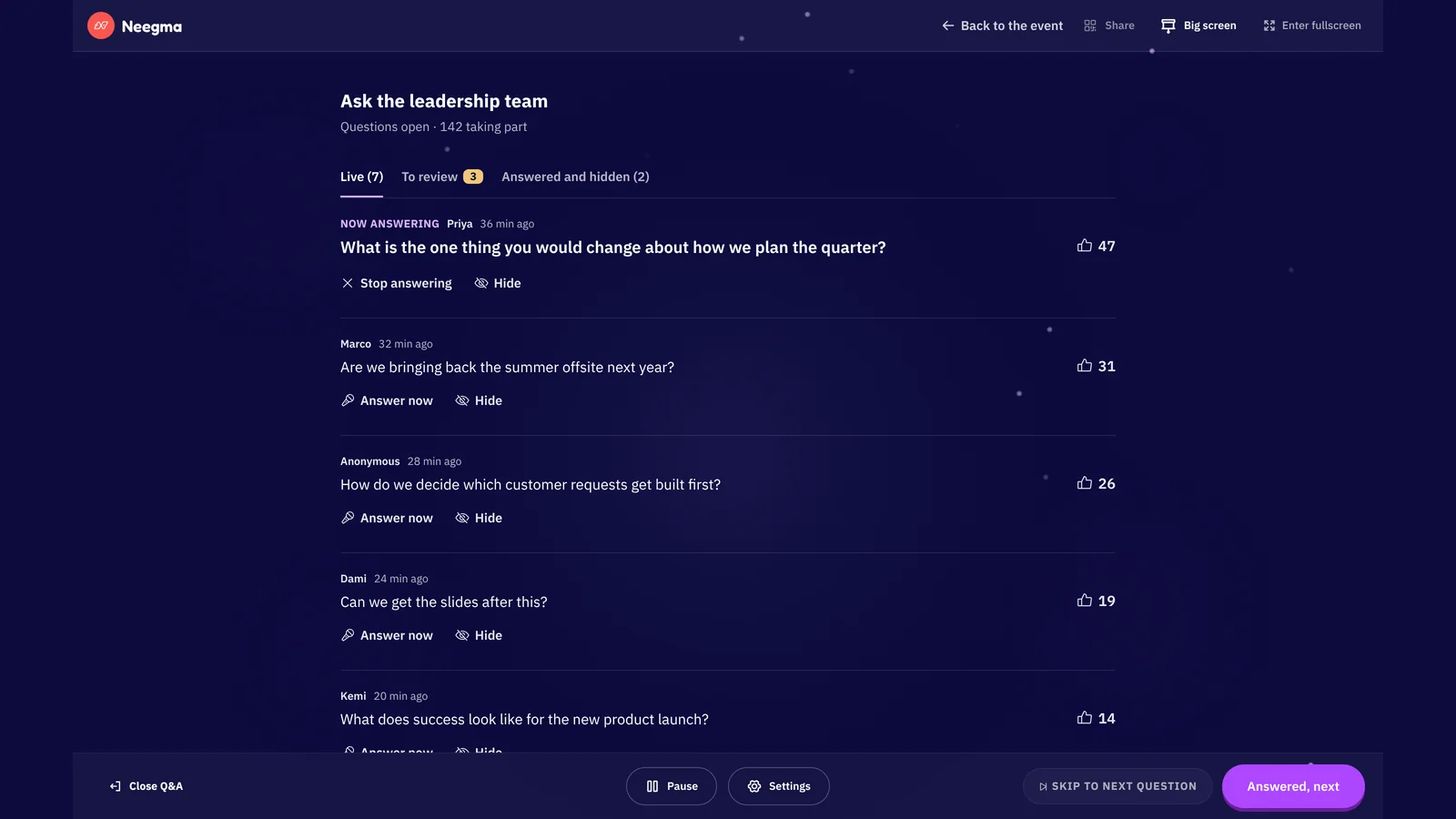
Neegma's Live Q&A is in testing with our team and opening to hosts soon. It lets attendees submit and upvote questions while the host manages the queue. The host can require approval, highlight a question, mark questions answered, pause submissions and export questions as a CSV.
If you're weighing up a Slido alternative, our Neegma vs Slido comparison covers where each one fits.
Use the shared screen for the question being discussed and keep host controls on the host's device. Before the event, test the join link and approval flow with a colleague. After it, review the export for questions that need a reply, and assign those replies to named people.
Q&A can also sit alongside a short conference icebreaker. Let the game get people comfortable participating, then give them a clear transition into questions. A game and a discussion serve different purposes, so make that change of pace explicit.
Questions hosts often ask
Can I run Q&A without a projector?
Yes. Attendees can read the queue on their own devices while a host reads selected questions aloud. A shared screen helps the audience follow along, but the discussion can work without one.
How many questions should we answer?
Choose a time limit first. A few answers with practical examples are usually more useful than rushing through every submission. Tell the audience when you are taking the final question.
What if nobody submits anything?
Give people a specific prompt and time to think. Start with an openly labelled host question, then return to the queue. Do not fill every quiet second with more instructions.
What happens to unanswered questions?
Export or record them, group the themes, and share only the follow-up you can deliver. A short, accurate recap is better than a promise that disappears after the event.
Plan your next audience Q&A with Neegma, or explore the event playbook for ways to combine discussion and games in one programme.