
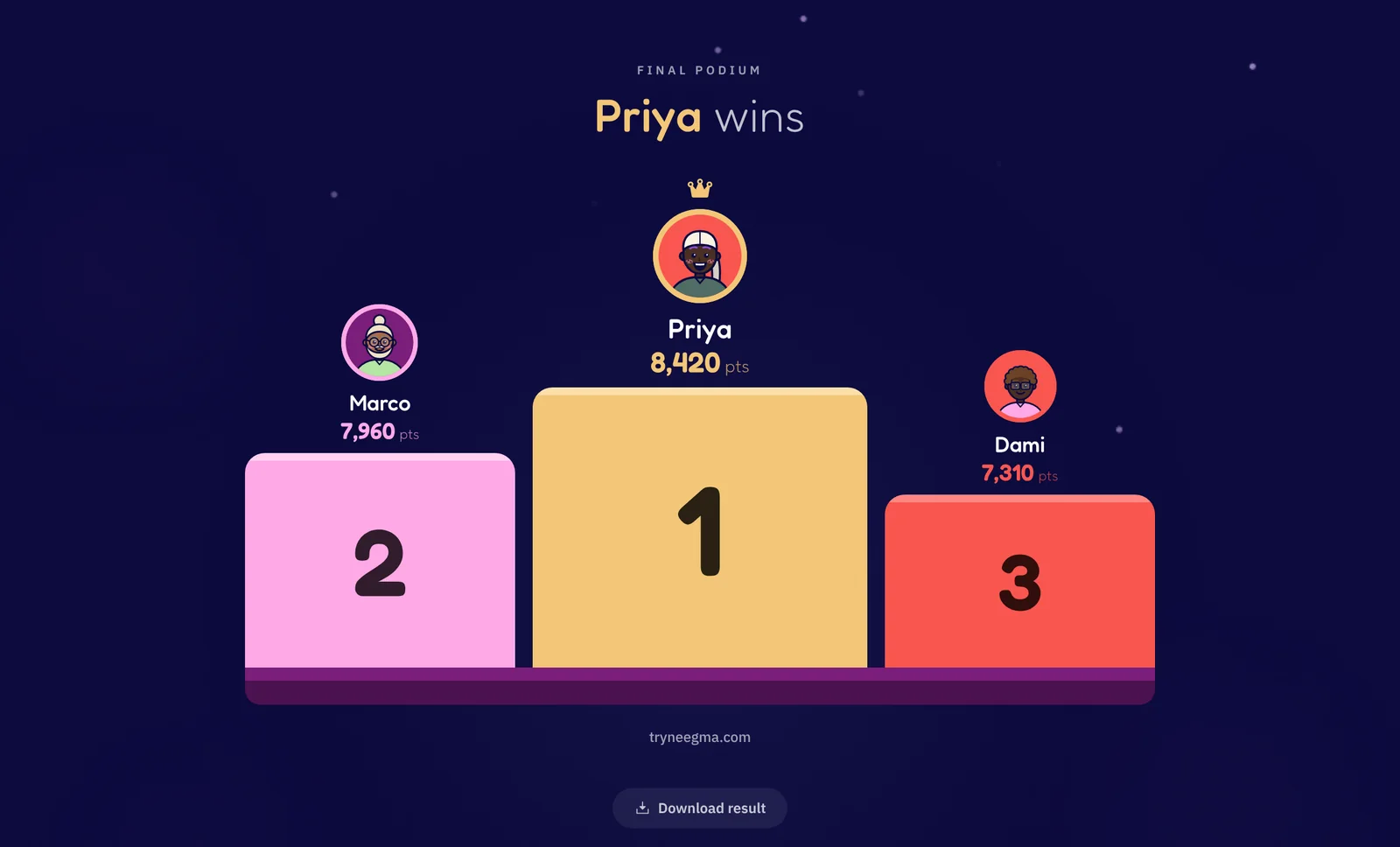
The podium goes up at the end of the night. First place: PR. Second: MA. Third: DA. Everyone squints at the screen trying to remember who MA is.
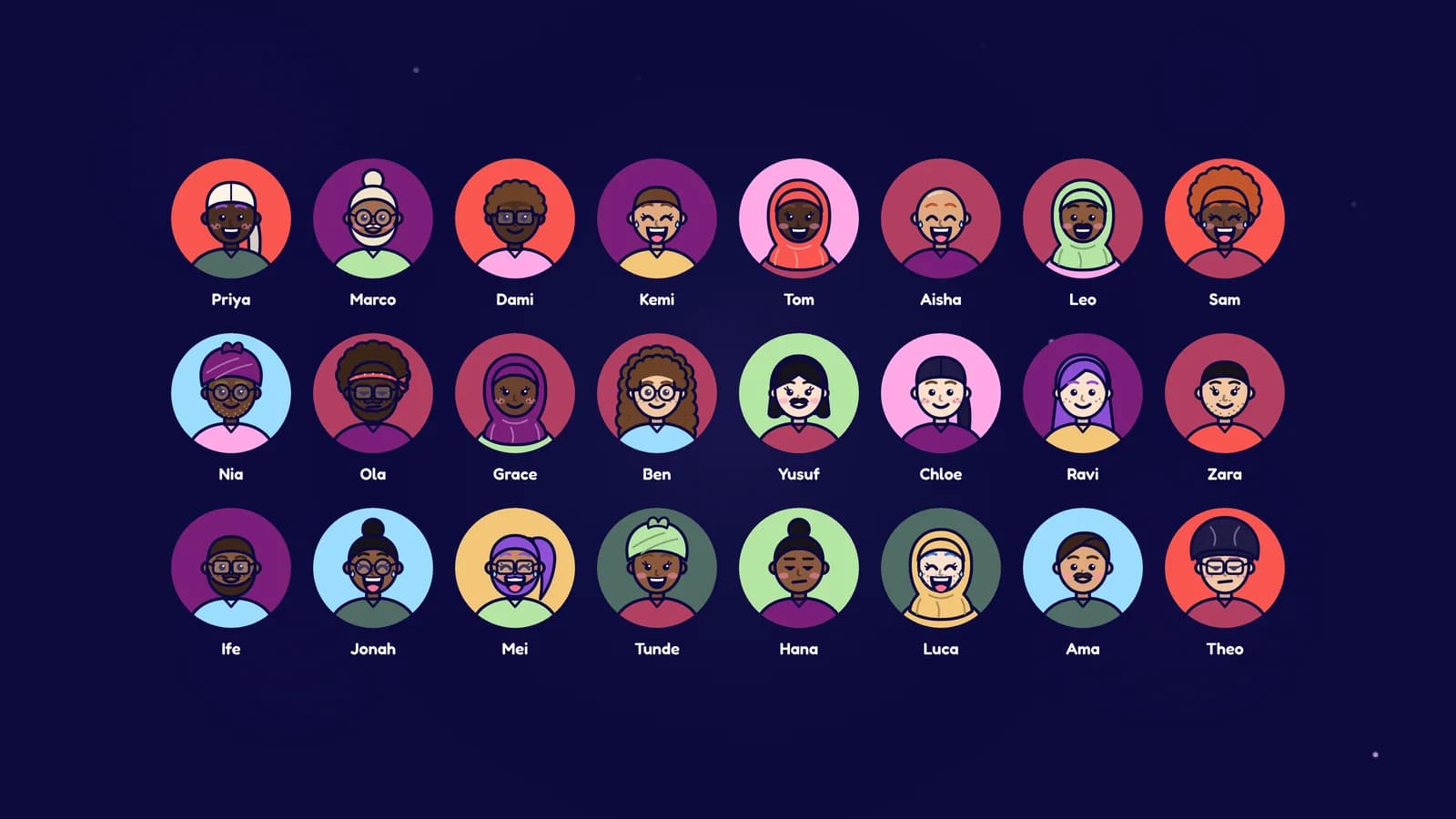
Initials did the job, but they never felt like the people in the room. So we built player avatars. Every player can now swap their initials for a cartoon face while they wait in the lobby, and that face follows them onto the leaderboard, the podium and their winner card.
It takes about twenty seconds, it's completely optional, and nobody has to upload a photo.
What are player avatars?
A player avatar is a small cartoon face drawn in Neegma's own style: flat colours, one ink outline, and the same bright palette as the rest of the game show. Players build theirs on their own phone while they wait for the first game.
Initials are still the default. A player who never opens the builder looks exactly as they did before, so nobody is left out if they would rather just play.
How players make one
- Join the session. Players scan your QR code or open your link, type their name and join as usual.
- Tap Make your avatar. It sits in the lobby while everyone waits for you to start.
- Pick a look, or tap Surprise me. Then tap Save avatar, and the card says "Showing on the host's screen".
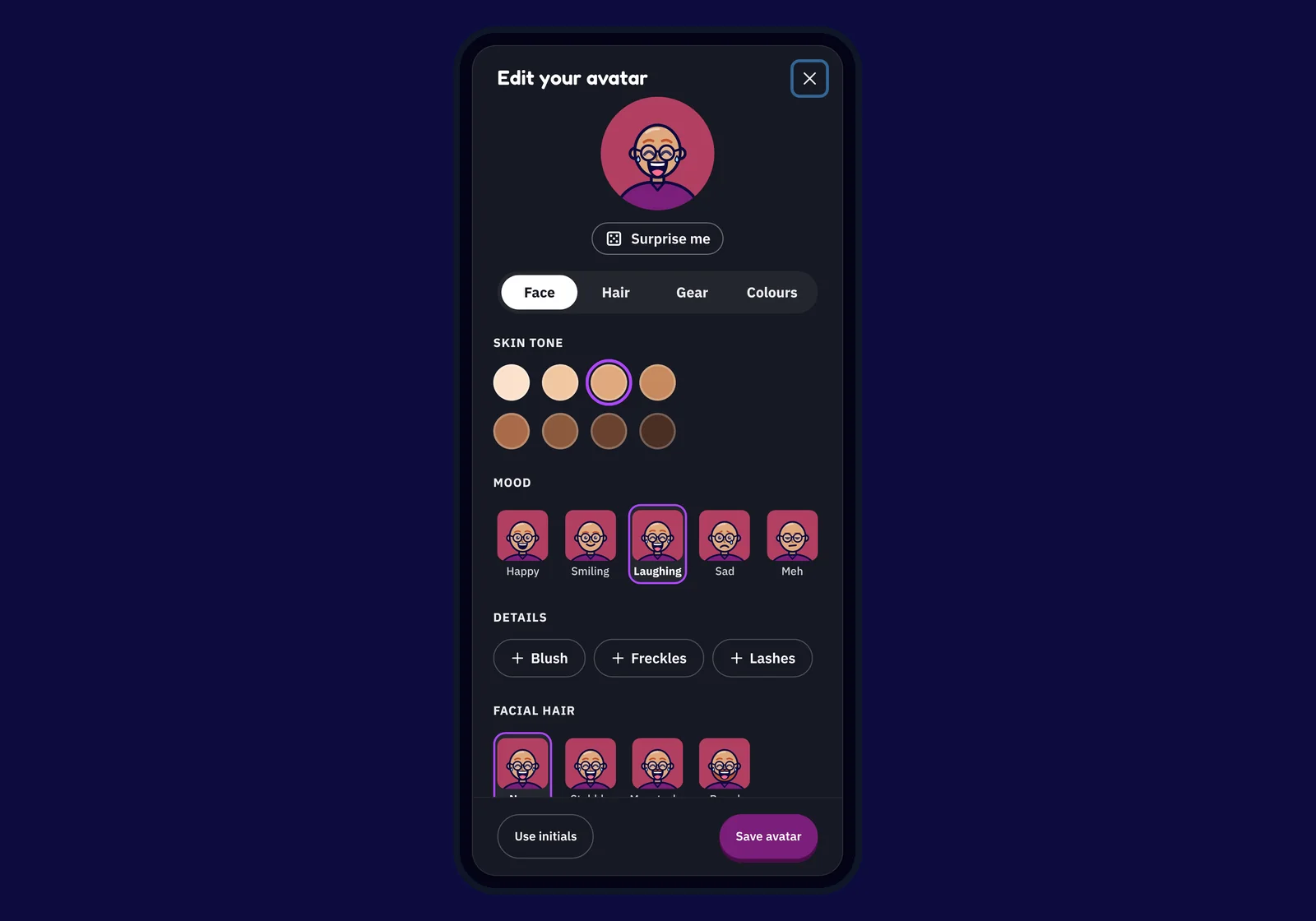
That's it. The face appears on your screen within a moment, so the lobby fills up with faces as people arrive instead of a column of letters.
Everything players can choose
The builder is split into four tabs.
- Face: 8 skin tones, a mood (happy, smiling, laughing, sad or meh), blush, freckles, lashes, and facial hair (stubble, a moustache or a beard).
- Hair: short styles (crop, curls, afro, fade or bald) or long ones (straight, wavy, braids, bun, ponytail or bob), in 10 colours.
- Gear: a cap, ribbon, bonnet, hijab, scarf, bandana or durag in the colour you like, plus round or square glasses.
- Colours: 10 shirt colours and 8 backgrounds.
Surprise me rolls a new look for everything except skin tone, so a player can keep rerolling for fun without losing themselves.
There is deliberately no gender question. Nothing in any game needs one, and hair, lashes and facial hair already let people show up how they like.
Where faces show up
Once a player saves an avatar, it replaces their initials everywhere their name appears in a live session:
- the lobby, on your screen and on every player's phone
- the leaderboard after each game, and the overall standings
- the final podium, and the rest of the field underneath it
- turn games like Charades and Taboo, so the room can see whose turn it is
- each player's winner card when they share their results
In team games, teams keep their initials. A team called "Sam" won't suddenly borrow player Sam's face.
Coming soon, faces will fill the wheel in a Neegma Raffle too, so the prize draw at the end of your event shows the room exactly who is in with a chance.
It remembers them
Nobody wants to rebuild their face every week.
- Guests keep their avatar on the phone they made it on, saved under the name they joined with. Rejoin under the same name and the face comes straight back, even in a new session. Two people sharing a browser each keep their own.
- Players with a Neegma account have their avatar saved to their profile, so it follows them to any device. They can change it any time from Dashboard > Settings.
Want to go back to initials? Open the builder and tap Use initials.
No photos, nothing heavy
An avatar is not an image upload. It's stored as a short code that describes the choices, and the face is drawn from Neegma's own artwork every time. That means:
- no guest photos on your big screen, which matters at work events and anything with children in the room
- every face is drawn from Neegma's own artwork, never from a file someone sends
- sessions where nobody makes an avatar never load the builder at all, so the game starts just as fast as before
Tips for hosts
- Give the lobby a minute. Tell the room "make your avatar while we wait" before you start. It gives early arrivals something to do and gets everyone looking at their phones for the right reason.
- Put the lobby on the big screen. Watching faces pop up as people join is a great warm-up on its own.
- Make yours first. If you're playing as well as hosting, set up your own face so the room can see how it works.
- Save the podium. Download the final results at the end: with faces, it's the photo everyone actually wants in the group chat.
Frequently asked questions
Do players need an account to make an avatar?
No. Guests can make one with no sign-up. It's saved on their phone under the name they joined with. Players who sign in get it saved to their profile too.
Is the avatar builder free?
Yes. Avatars work on every plan, including Free.
Does it upload a photo of the player?
No. Avatars are cartoon faces built from options, never photos, so nothing personal ends up on the big screen.
Do avatars work in one-host sessions?
Avatars are made on each player's own phone, so they show up in live sessions, where everyone joins with the link or QR code. In a one-host session the host types the names in, so players keep their initials.
Can a player change their avatar?
Yes. Tapping Edit avatar in the lobby opens the builder again, and the new face replaces the old one on your screen in moments.
Give your next game night some faces
Avatars are live now in every Neegma live session. Start one, share the link, and watch the lobby fill up with faces.